
Download Eatinsta POS – POS software, billing software, inventory management, restaurant POS, grocery store POS, GST billing, customer management, multi-platform POS, business management tool, mobile billing app
Overview
Eatinsta POS is a comprehensive business management solution designed to modernize and simplify operations for small to medium-sized enterprises across diverse sectors, particularly restaurants and grocery stores. The app streamlines core business functions such as billing, inventory tracking, and customer interaction, addressing common pain points like transaction delays, stock discrepancies, and inefficient record-keeping. By digitizing these processes, Eatinsta POS enhances operational accuracy and reduces manual workload, allowing business owners and staff to focus on customer service and growth strategies.
The platform caters to entrepreneurs and managers seeking a reliable, scalable tool to manage daily operations with minimal friction. While the developer, Eatinsta, has not provided extensive background details, the app’s feature set suggests a strong focus on usability and cross-device accessibility. Real-world use cases include managing lunchtime rush orders in a café, tracking perishable inventory in a grocery shop, or generating GST-compliant invoices for retail sales. In the broader app ecosystem, Eatinsta POS fills a critical gap for businesses that require affordable, efficient, and compliant digital tools without the complexity of enterprise-grade systems.
Key Features & Functionality
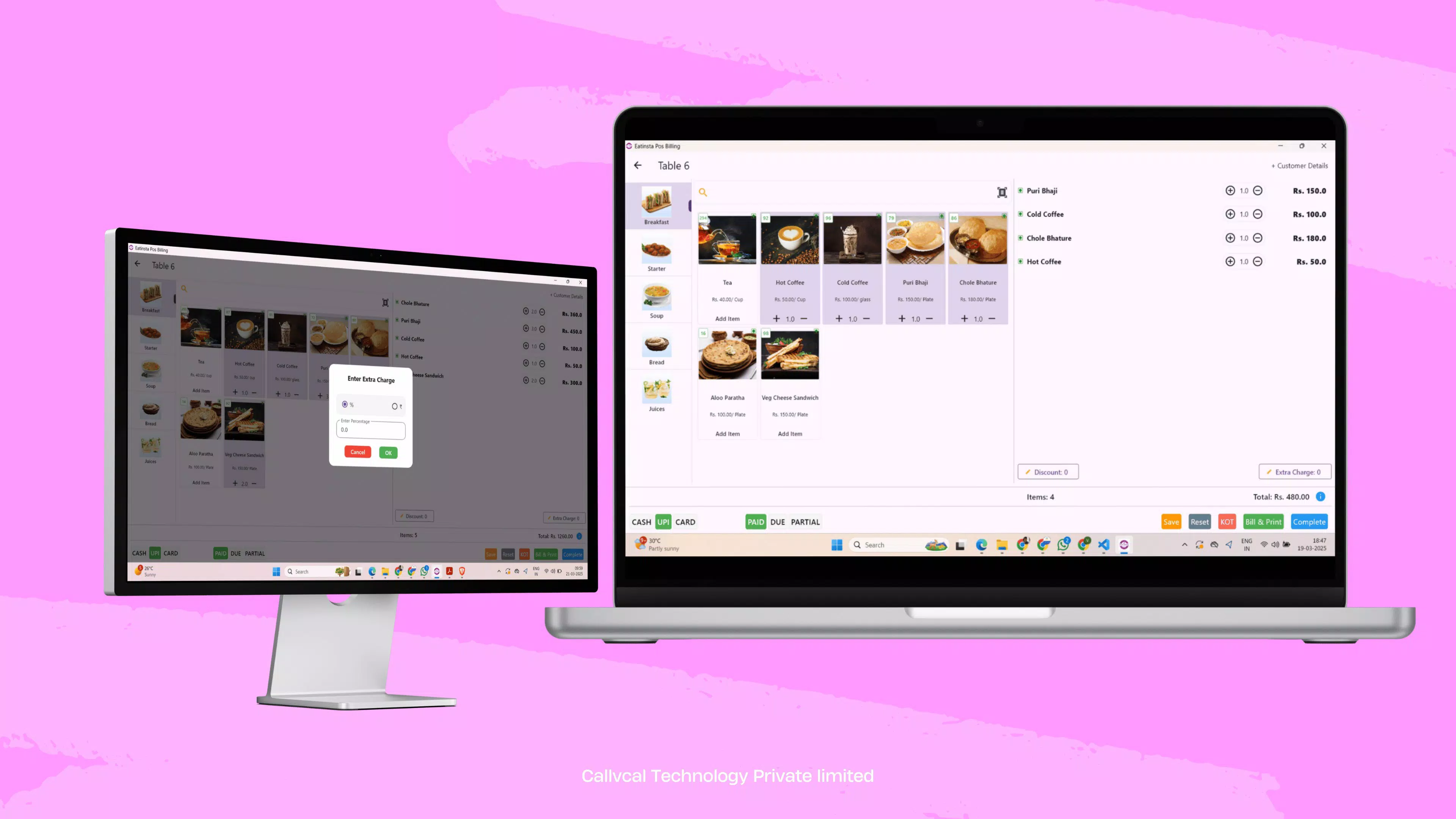
- Effortless & Fast Billing: The app enables rapid order entry and transaction processing, reducing customer wait times during peak hours. This is especially beneficial in high-traffic environments like dine-in restaurants or busy grocery counters.
- Multi-Platform Support: Accessible on Android, iOS, web browsers, and desktops (MacOS and Windows), allowing users to manage sales, inventory, and customer data from any device with an internet connection.
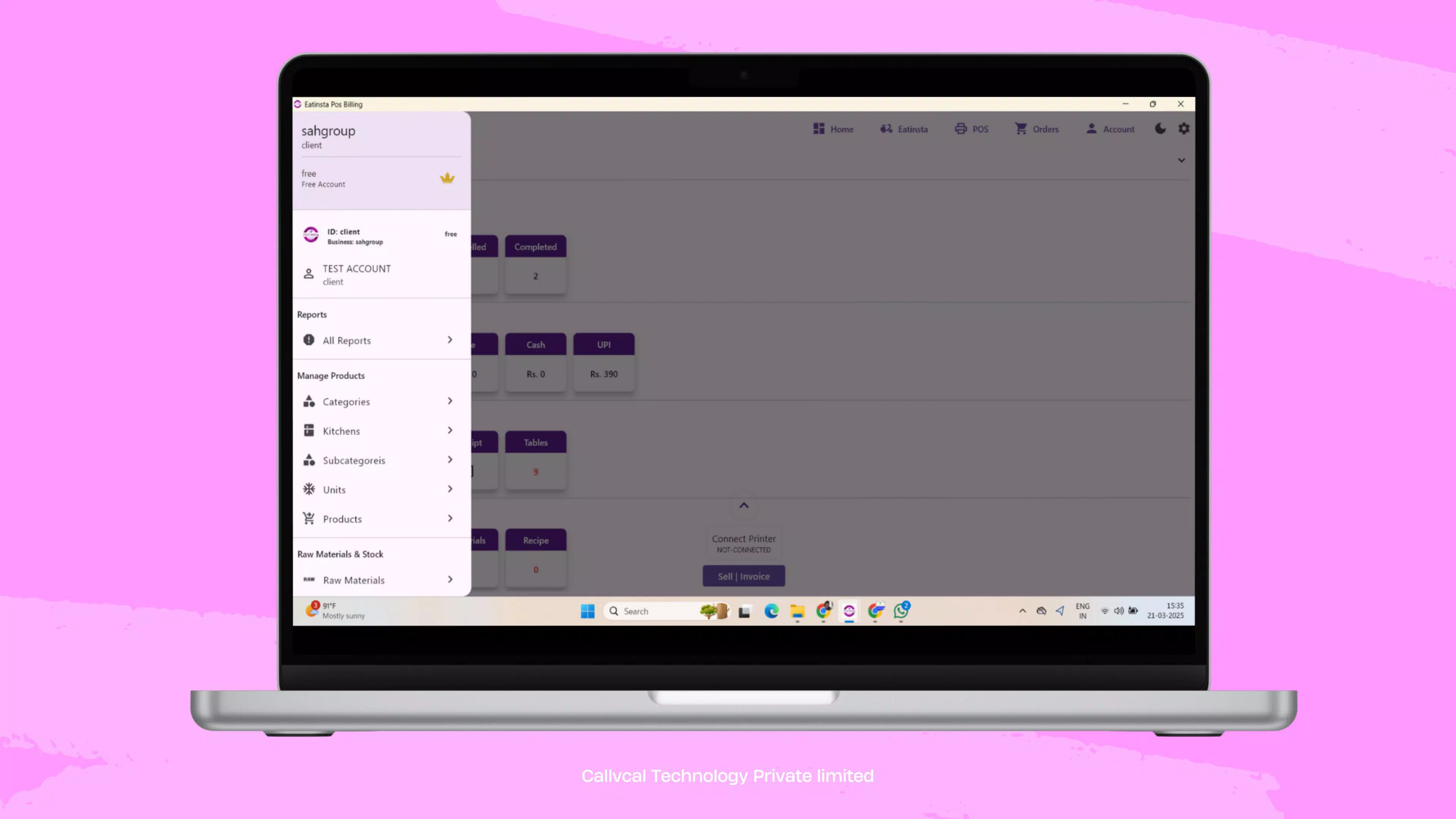
- Comprehensive Management Tools: Offers integrated customer and inventory tracking, helping users monitor stock levels in real time and store detailed customer profiles for personalized service and loyalty programs.
- GST & Tax Compliance: Automates tax calculations and generates legally compliant invoices, reducing the risk of errors and ensuring adherence to local tax regulations, which is essential for small business owners navigating complex tax environments.
- 24/7 Customer Support: Provides round-the-clock assistance, ensuring users can resolve technical issues or operational queries at any time, minimizing downtime and increasing user confidence.
For example, a restaurant manager can quickly process a table order via the mobile app, instantly update inventory for used ingredients, and generate a GST-compliant receipt—all within seconds. Similarly, a grocery store owner can track stock depletion on a web dashboard and trigger restocking alerts before items run out. These features collectively contribute to improved decision-making, reduced waste, and enhanced customer satisfaction through faster, more accurate service.
Interface, UX & Performance
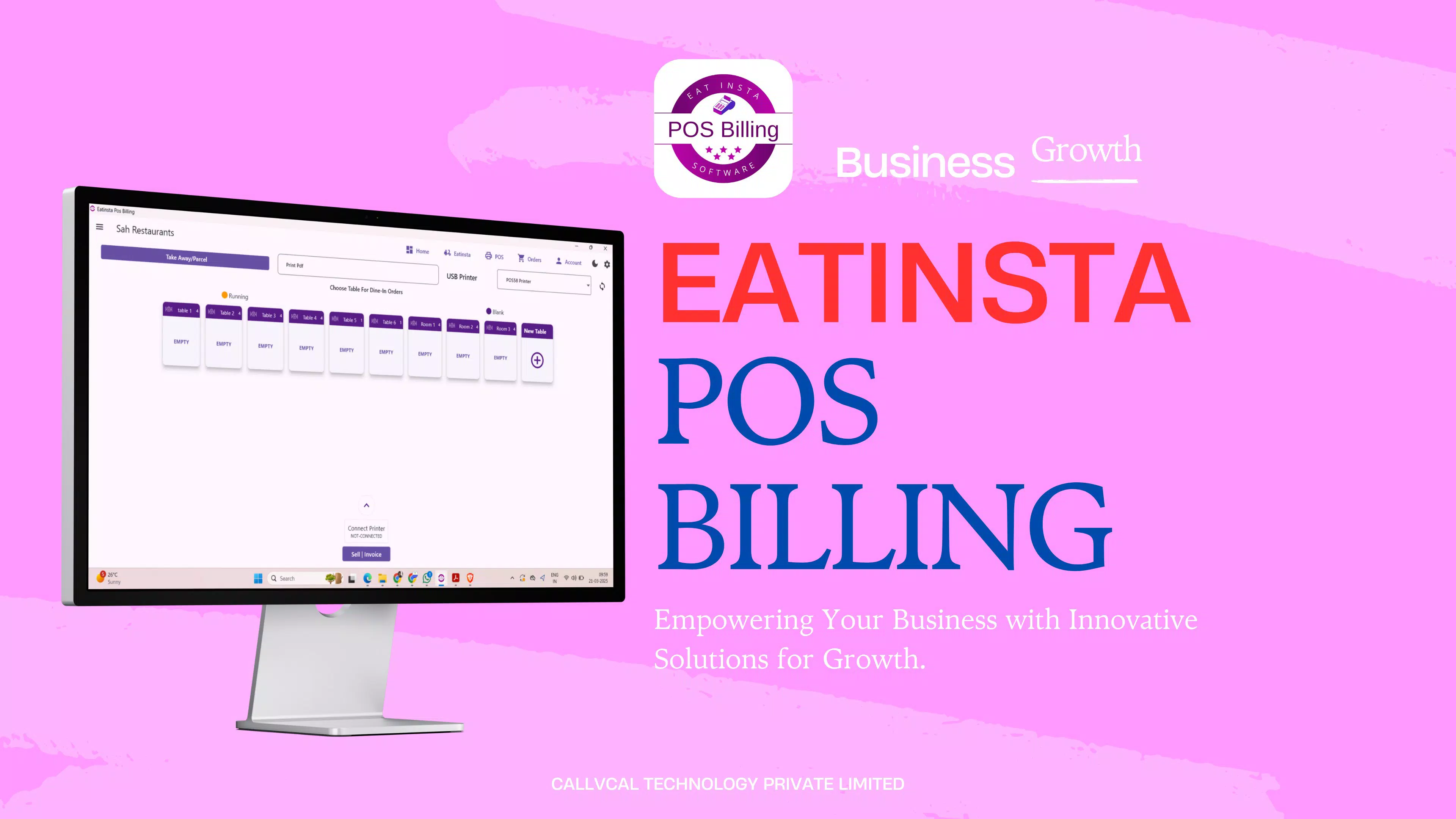
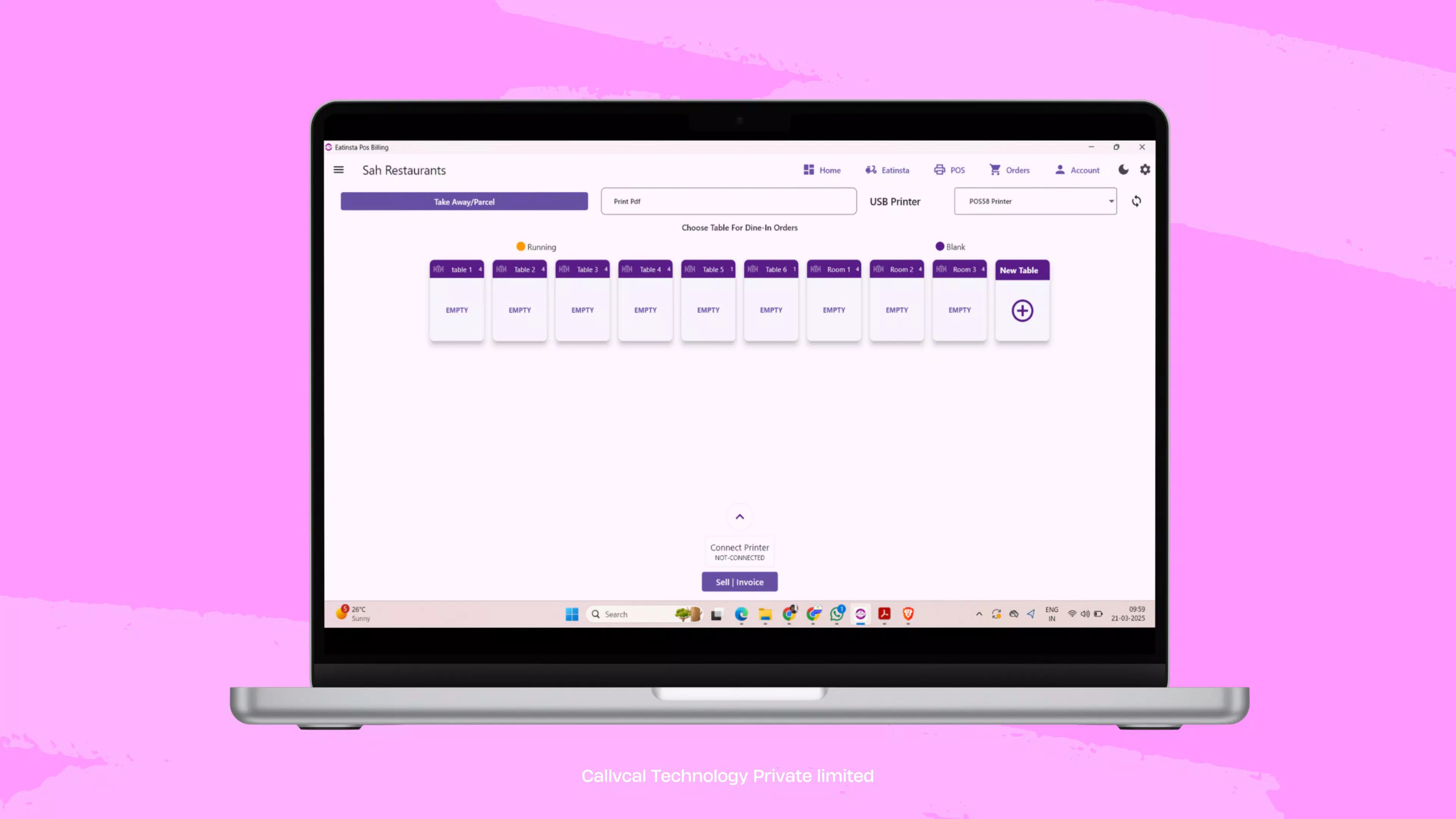
Eatinsta POS features a clean, intuitive interface designed for quick adoption by users with varying levels of technical expertise. The layout prioritizes essential functions—billing, inventory, and customer management—on the main screen, minimizing navigation steps and reducing the learning curve. Visual elements are well-organized, with clear icons and readable fonts, contributing to a professional and distraction-free experience.
Navigational flow is straightforward, with a bottom menu bar providing instant access to key modules. The app responds promptly to user inputs, and transitions between screens are smooth, indicating solid performance optimization. Although the developer did not list formal performance metrics, the app’s responsiveness across multiple platforms suggests effective code architecture and efficient resource management.
Stability appears consistent, with no reported issues related to crashes or data loss. The app maintains functionality even during extended use, which is crucial for businesses operating in high-pressure environments. While specific device compatibility details were not disclosed, the multi-platform availability implies broad support across modern smartphones, tablets, and desktop systems.
Platform Compatibility & Technical Requirements
Eatinsta POS is available on multiple platforms, including Android, iOS, and web-based access via desktop browsers. This cross-platform accessibility allows users to manage their business operations from a variety of devices, supporting flexibility for on-the-go management. The app’s current version is 2.1.3, with a file size of 24.8 MB, indicating a lightweight design that minimizes storage impact on mobile devices.
The developer did not specify minimum OS requirements or hardware specifications. However, the compact size and multi-platform support suggest compatibility with a wide range of devices, including entry-level smartphones and tablets. For users relying on desktop access, the web version ensures consistent performance across modern browsers without the need for additional software installation.
Pros and Cons
Pros
- Fast and accurate billing process enhances customer experience during peak hours.
- Multi-platform access enables remote and flexible business management.
- Integrated inventory and customer tracking supports data-driven decision-making.
- Automated GST compliance reduces legal and administrative risks.
- 24/7 customer support ensures continuous assistance and peace of mind.
Cons
- Specific technical requirements were not disclosed by the developer.
- Performance on older or low-end devices was not independently verified.
- Advanced customization options were not detailed in the provided information.
- Offline functionality was not mentioned.
- Integration with third-party payment gateways was not specified.
FAQ
Is Eatinsta POS free to download and use?
Yes, the app is available at no cost. It offers both free and paid subscription tiers, allowing users to access core features without initial expenses.
Can I use Eatinsta POS on both Android and iOS devices?
Yes, the app is compatible with both Android and iOS platforms, enabling seamless use across different smartphone ecosystems.
Is there a desktop version of Eatinsta POS?
Yes, in addition to mobile apps, Eatinsta POS can be accessed via web browsers on desktop computers, including MacOS and Windows systems.
How does Eatinsta POS handle tax compliance?
The app automates tax calculations and generates GST-compliant invoices, helping businesses meet local tax regulations with minimal manual input.
Does Eatinsta POS offer customer support?
Yes, the app provides 24/7 customer support, ensuring users can receive assistance at any time, regardless of time zone or business hours.
Final Thoughts
Eatinsta POS stands out as a practical, all-in-one tool for businesses aiming to digitize and streamline their operations. Its combination of fast billing, multi-platform access, and compliance features makes it a valuable asset for restaurant owners, grocery store managers, and other retail professionals. The app delivers tangible benefits in efficiency, accuracy, and customer satisfaction, all while remaining accessible through a free download.
While some technical details remain unspecified, the overall functionality and design reflect a mature, user-focused product. For entrepreneurs seeking a reliable, scalable solution to manage daily operations, Eatinsta POS offers a compelling balance of features and affordability.
Download Eatinsta POS now


